Call me Ishmael. Some years ago—never mind how long precisely—having little or no money in my purse, and nothing particular to interest me on shore, I thought I would sail about a little and see the watery part of the world. It is a way I have of driving off the spleen and regulating the circulation.
 Anveg Book Reader
Lose your place? Not here.
An e-book reader for phones, tablets and computers. It records every jump and remembers the pages you actually read, so you can always get back.
In the app
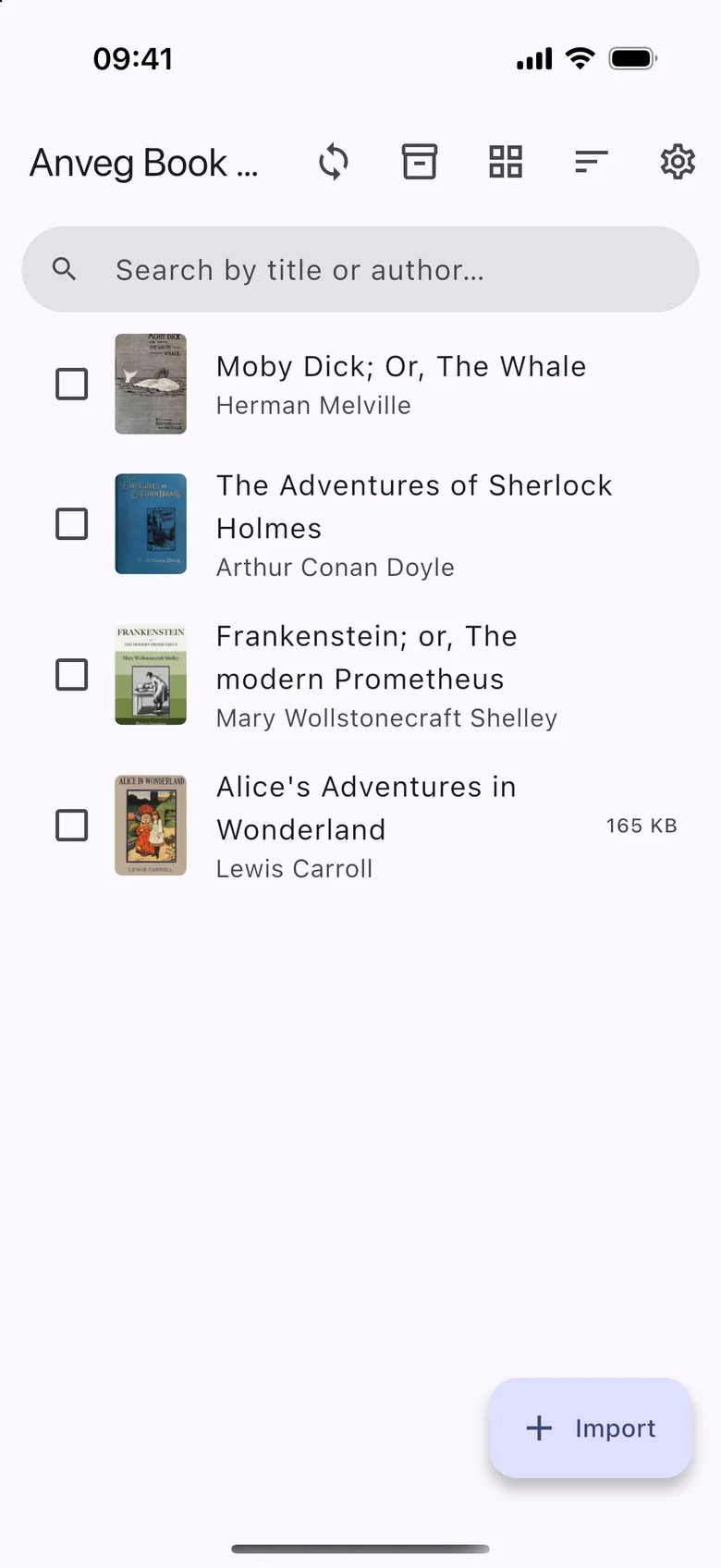
Your library, with covers read from the books. 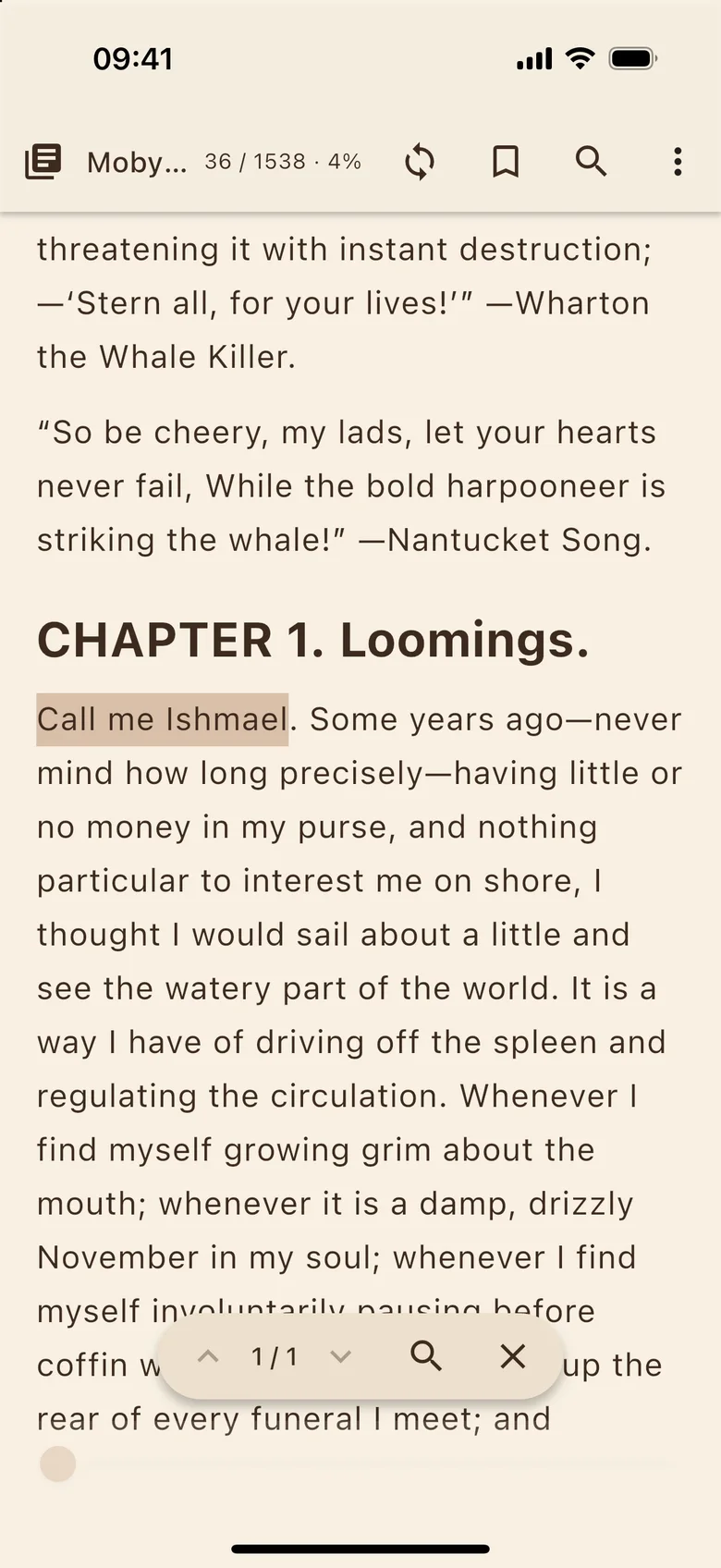
A real page in the sepia theme, after a search. 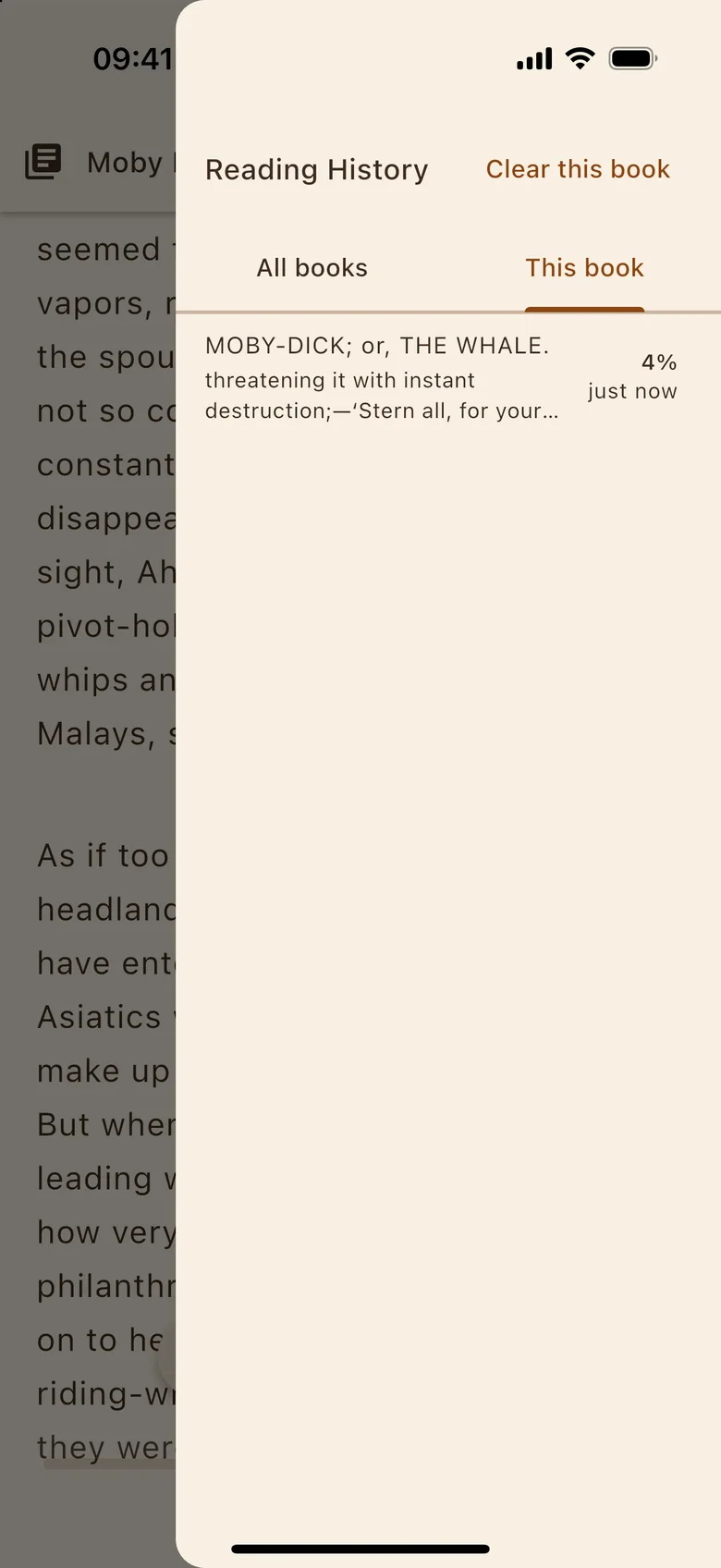
Reading History, with every jump one tap from going back.
Screens from the iOS app, with public-domain books and sample content.
Reads
- EPUB
- FB2
- HTML
- TXT
FB2 works zipped too. Series, publication date and tags are read from the file.
Undo that page turn.
Every jump, to a link, a search result or a bookmark, is recorded. An accidental run of page turns can be undone as well.
- Page 12, reading
Made for reading
- Real pages
- Turn by swiping, with the arrow keys, or by tapping the edge of the page.
- Set it your way
- Light, sepia and dark themes, plus text size and line spacing, for every book or for just one.
- Footnotes in place
- Footnotes open in a popup, so you don’t lose your place. Links inside the book work too.
- Search inside a book
- Look for the exact text you type, or for words.
- Bookmarks and notes
- Bookmarks can carry notes, and each book has a note of its own.
- Previously read
- Delete a book from the device and it stays on this list, with its place and its note. Import it again and you continue where you left off.
Sync is optional.
Your place, bookmarks, notes and the books themselves can move between your devices. Sync is off until you set it up, and you can run your own server or sign in to the Anveg cloud.