 Anveg Notes
Notes you can take back.
Markdown notes, organised in notebooks and tags, with an edit history that follows you across your devices. Still in development, so some details may change.
In the app
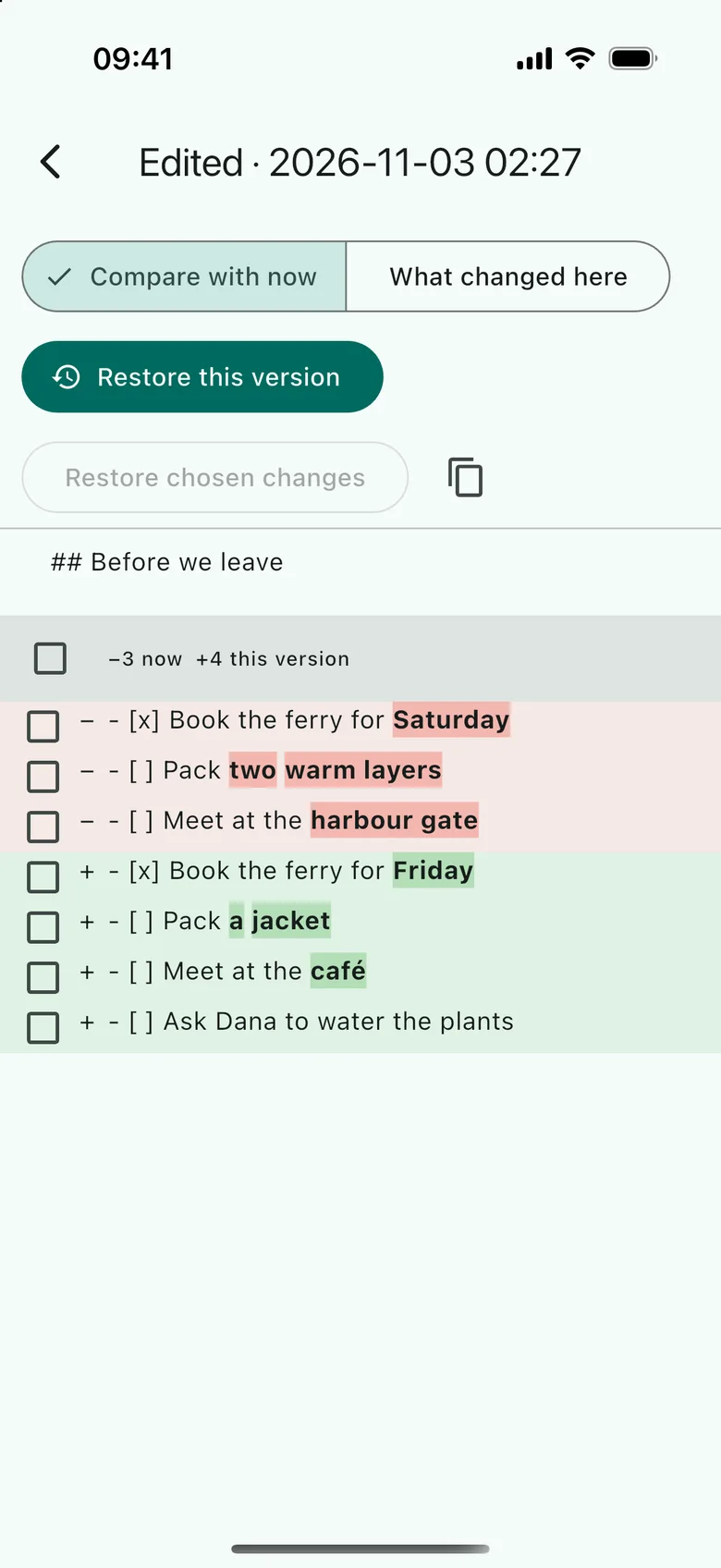
Compare a version with now, word by word, and restore what you need. 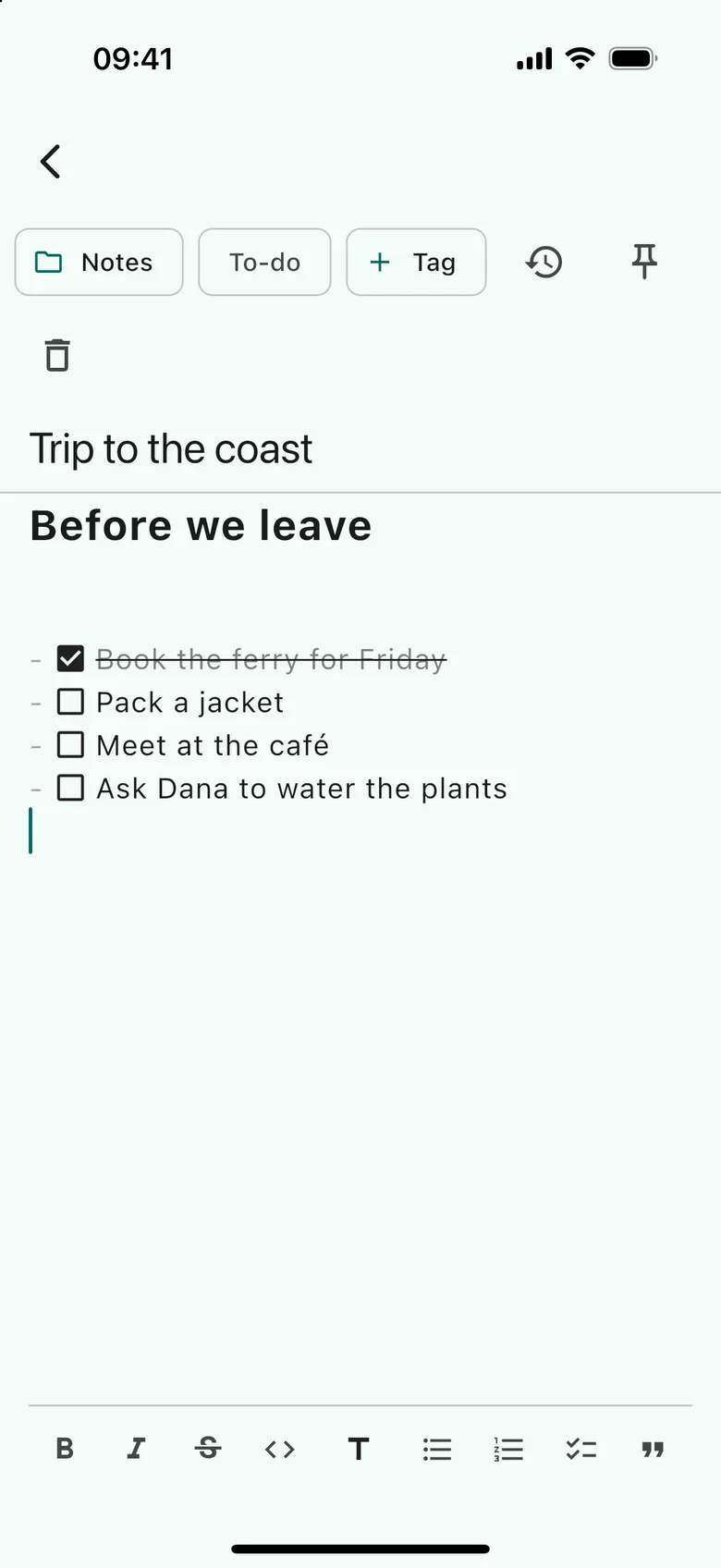
One pane that styles Markdown as you type. 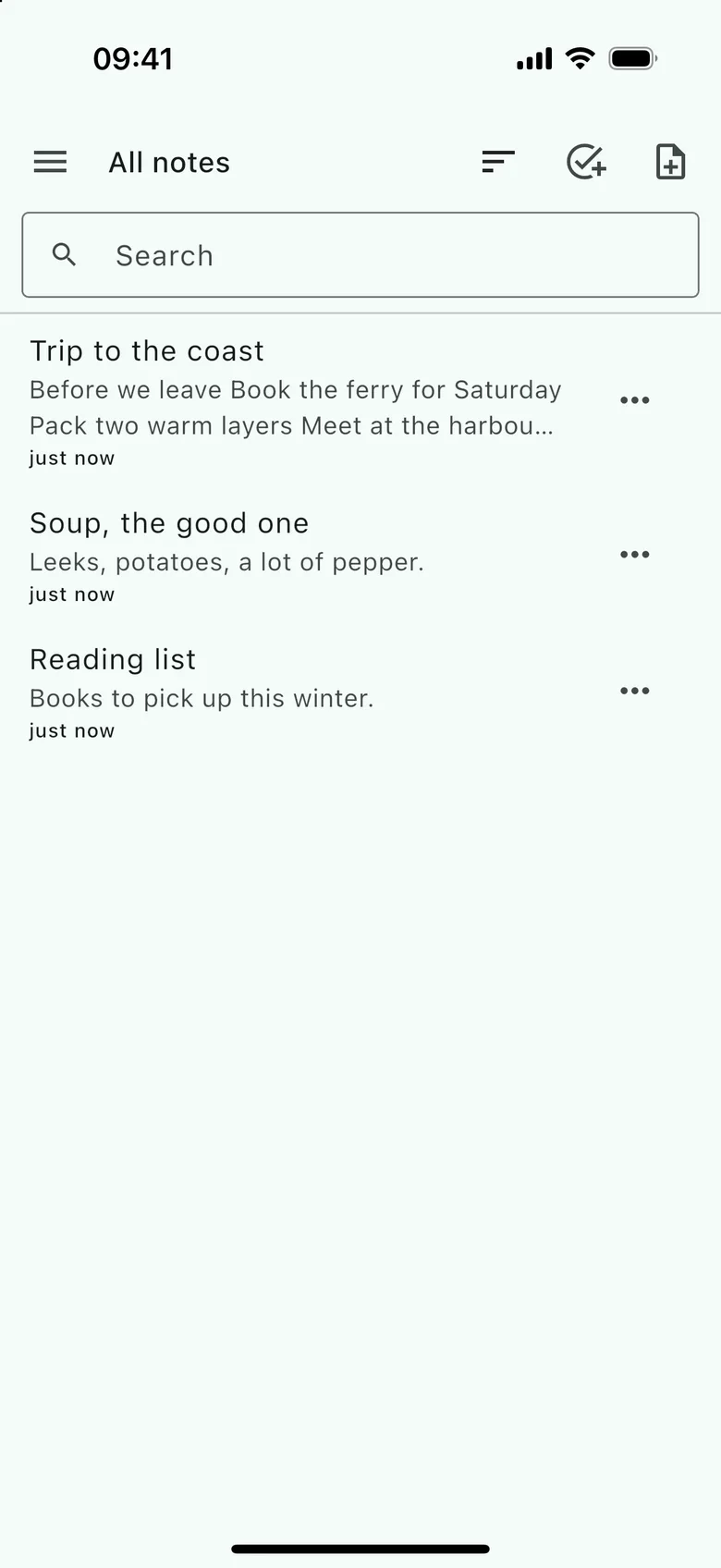
All your notes, with instant search.
Screens from the iOS app, with public-domain books and sample content. Notes is in development, so these may change.
Stored as
- Markdown
Import from Joplin (JEX and Markdown folders). Export to Markdown folders any other app can read.
See what changed, word by word.
Versions are kept automatically, and you choose how many and for how long. Restore a whole version or single changes, or copy text out of an old one.
Trip to the coast
Tuesday, 19:05 · Another device · Edited
- Book the ferry for Saturday
- Pack two warm layers
- Meet at the harbour gate
- Ask Dana to water the plants
Made for keeping
- Notebooks and tags
- Nested notebooks, and any number of tags on a note. Drag notes around on a computer, or use “Move to…” on a phone.
- Markdown, styled as you type
- One pane with images inline, tappable checklists, tables, a formatting toolbar and shortcuts. The note is stored as plain Markdown, exactly as written.
- To-dos
- Any note can be a to-do with a due date. List the open ones, or the overdue ones.
- Instant search
- Full-text search over titles and text, with matches highlighted, filtered by notebook and tag.
- A trash that remembers
- Deleted notes and notebooks can be restored, along with their history.
- Nothing lost to conflicts
- When two devices edit the same note at once, the newer edit wins and the other is kept as a version marked “conflict”.
Sync is optional.
Notes, their history and attachments can move between your devices. Sync is off until you set it up, and you can run your own server or sign in to the Anveg cloud.