 Anveg Audio Book
Made for long listening.
It remembers where you were in every book, steps back a little when you return after a break, and lets you undo any jump.
In the app
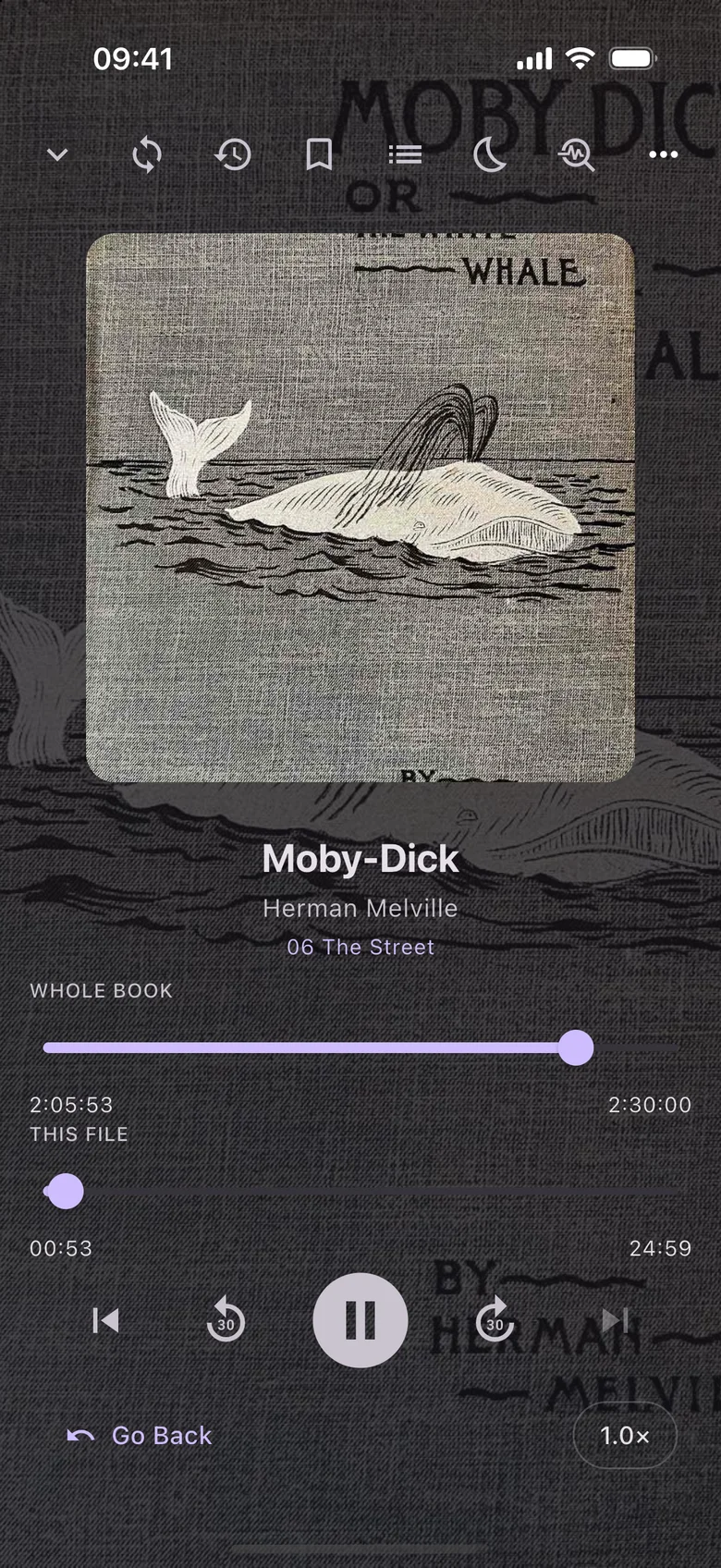
The player, with progress for the whole book and the file. 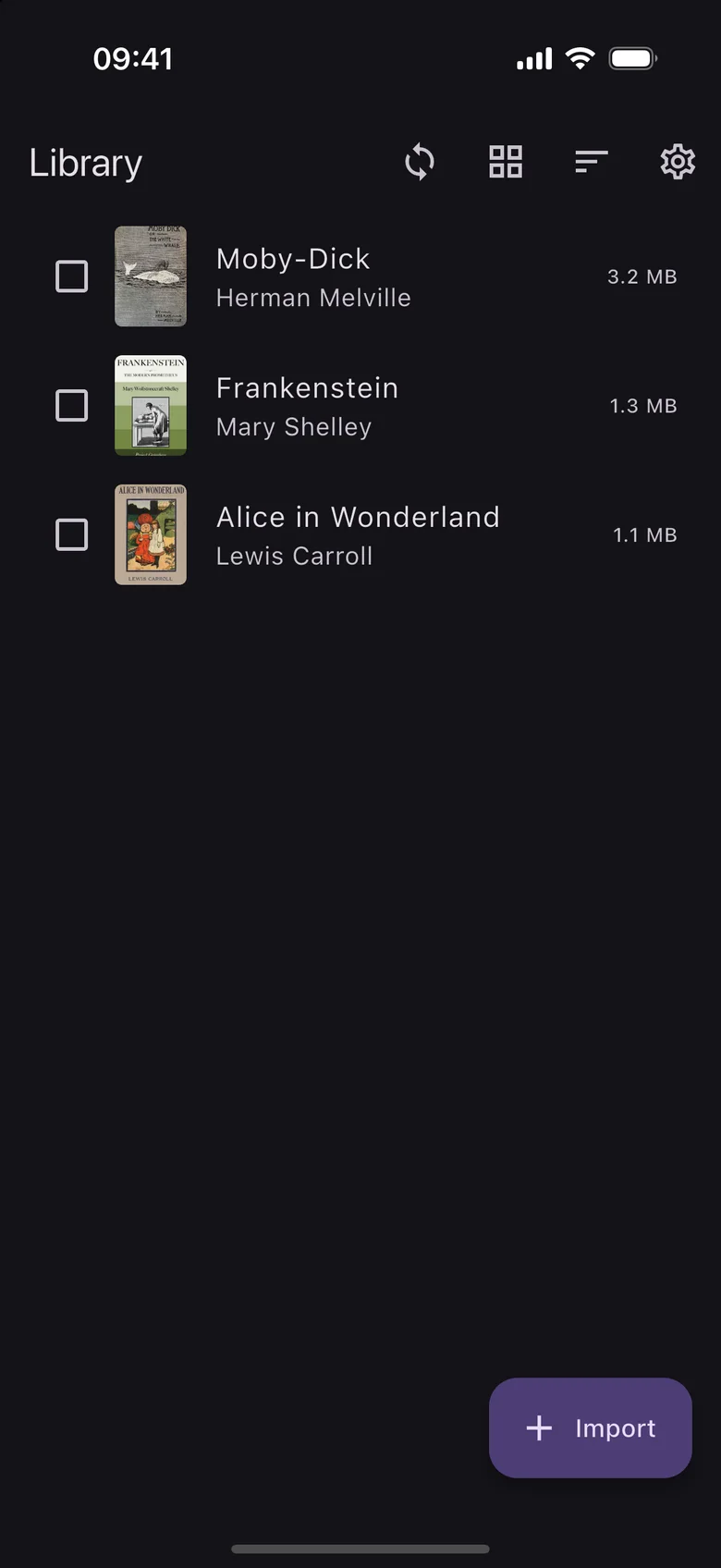
Your library, kept on your device. 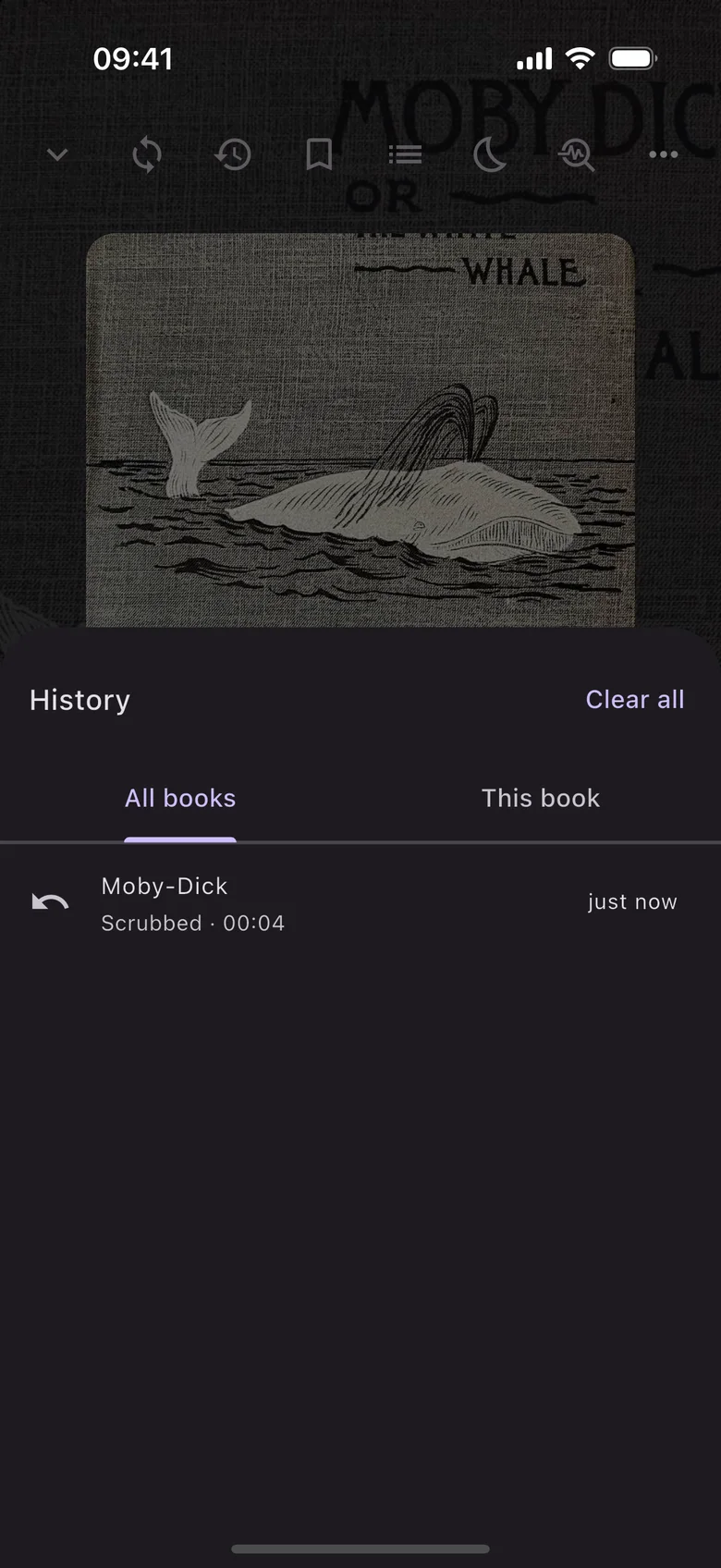
History records a jump first, so you can always go back.
Screens from the iOS app, with public-domain books and sample content.
Plays
- MP3
- M4A
- M4B
- OGG
- FLAC
- AAC
- Opus
- WAV
Import a folder or a set of files as one book, and each file becomes a chapter.
Come back to the sentence, not the middle of it.
Smart resume steps back by an amount that depends on how long you were away. It also works when you resume from the lock screen, a headset or the widget.
Away overnight: steps back 20 seconds
See every value
| Time away | Off | Short | Standard | Long |
|---|---|---|---|---|
| Under 10 seconds | 0 | 0 | 0 | 2s |
| Under a minute | 0 | 1s | 2s | 5s |
| Under 30 minutes | 0 | 2s | 5s | 10s |
| Under 6 hours | 0 | 5s | 10s | 20s |
| Under 24 hours | 0 | 10s | 20s | 30s |
| Longer | 0 | 15s | 30s | 60s |
Made for listening
- Undo any jump
- Every jump, whether a chapter, a scrub or a skip, is recorded first, so you can always go back.
- Speed control
- Presets from 0.5× to 3×.
- Sleep timer
- Set it from 5 to 60 minutes. Still awake? Shake the phone to reset it.
- Lock-screen controls
- Control playback from the lock screen and notifications, with a home-screen widget on Android.
- Bookmarks and notes
- Bookmarks can carry notes, and each book has a note of its own.
- Each book in one file
- Books are copied into the app’s own library, and each one can be exported as a single .vabpack file.
Sync is optional.
Your place, bookmarks, notes and the audiobooks themselves can move between your devices. Sync is off until you set it up, and you can run your own server or sign in to the Anveg cloud.